
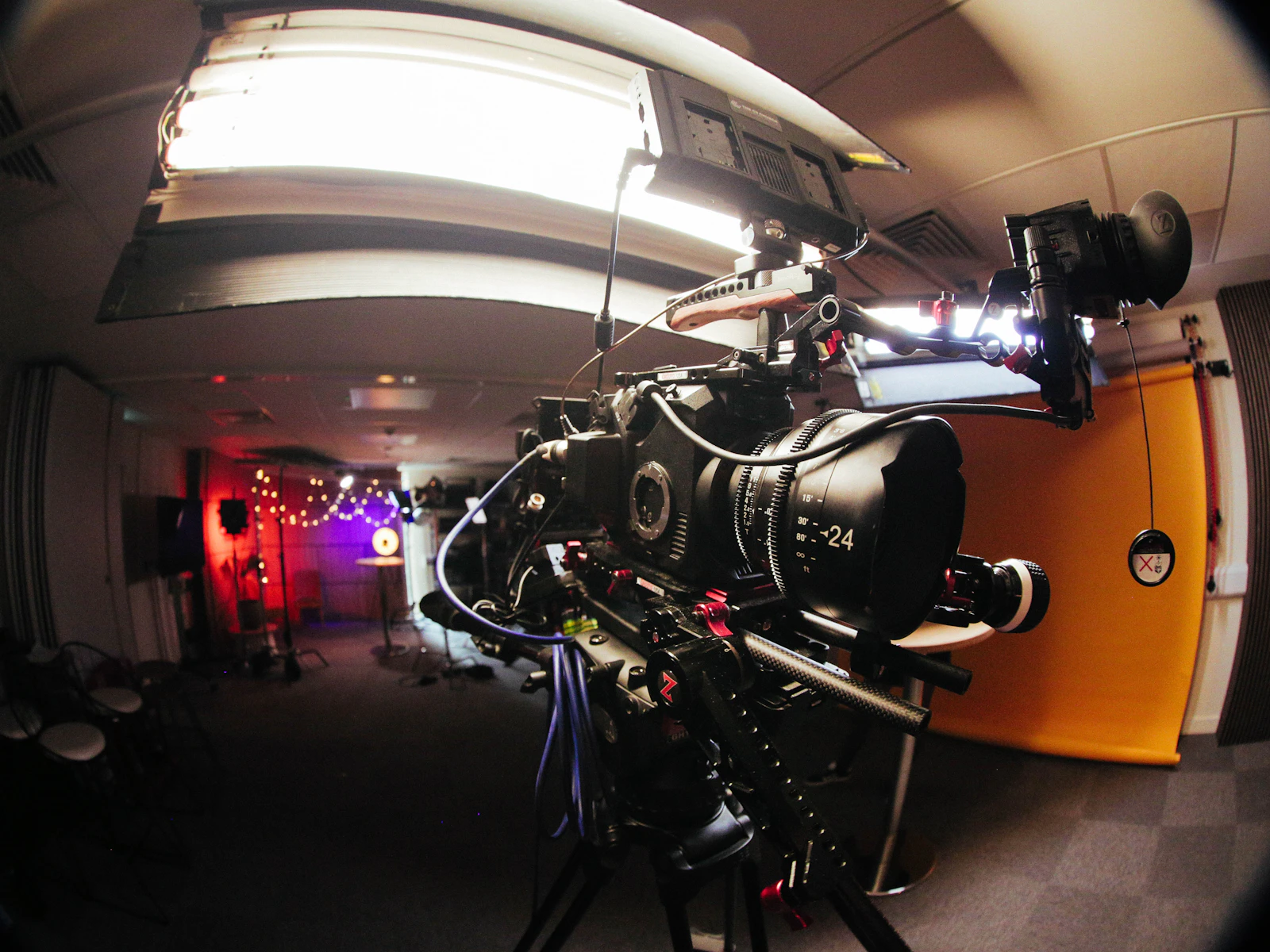
Streamed video is a rapid sequence of still frames, and each of them makes a long trip before it lights up your display. On the way it is captured, compressed, split into segments, carried over several networks and finally reassembled by a chip inside your device. Whatever detail drops out at one of those stops stays missing, no matter how capable the screen at the end may be.
Below, we trail a single frame along that route and point out where blur, banding or stutter tends to creep in. The membership links on this page lead to a separate paid provider, whose terms you can look over on its own site once you have read through the stops.
At the source, the frame gets its ceiling
A frame begins at the camera or in the edit, where its pixel dimensions are set. A 4K frame holds roughly four times as many pixels as a 1080p one, which leaves more room for fine texture to show.
That pixel count works as an upper limit. Soft focus, dim lighting or sensor noise in the original recording all cut into the usable detail long before a streaming service receives the file.
Next comes the bitrate, the number of bits per second the encoder is allowed to spend. On a tight budget it throws away the smallest variations first, so skin, grass and woven cloth start to look flat and waxy.
Because of that trade-off, a 1080p file given plenty of data may hold more visible texture than a 4K file that was starved of it. The label in the player reports the frame size and says little about how much information fills it.

In the encoder, the frame is packed for travel
Uncompressed frames are far too large to send over a home connection, so an encoder shrinks them using a codec. H.264 is supported very widely. HEVC and AV1 are designed to reach similar quality with fewer bits, though the outcome depends on how the encoder is configured and whether your hardware can play the format.
Encoders hunt for areas they can describe cheaply, and smooth gradients in dark scenes are an easy target. When too few bits remain, a gentle fade from black to grey can break into steps or square patches. Similar artefacts can come from the camera file itself or from a display set too bright, so treat banding as a clue worth checking and leave the verdict open.
On the network, the frame rides in short segments
The compressed video is cut into chunks a few seconds long, and each chunk is stored at several quality levels. Your player requests them one by one. Before fetching the next, it weighs how quickly recent chunks arrived and how much video sits in the buffer, then picks a level it expects to finish downloading in time. The method is called adaptive bitrate streaming.
It explains why a picture can go soft for a few seconds and then sharpen again. A large download on another device, interference from a neighbour's router or a busy link further upstream can lower the measured speed, and the player steps down a level to avoid stalling.
Many services keep copies of those chunks on a content delivery network, a group of servers spread across different regions. Pulling segments from a closer server can shorten the trip. Your own line and the path between you and that server still set the practical limit.
“Detail can go missing at the camera, in the encoder or somewhere on the network. Nothing further down the line is able to put it back.”klipzora.com editorial team
At the device, the frame is rebuilt
Once a segment arrives, a decoder has to unpack every frame and pass it to the display on schedule. Many phones, laptops and headsets contain a dedicated hardware decoder for common codecs, which typically uses less power and runs cooler than decoding on the main processor.
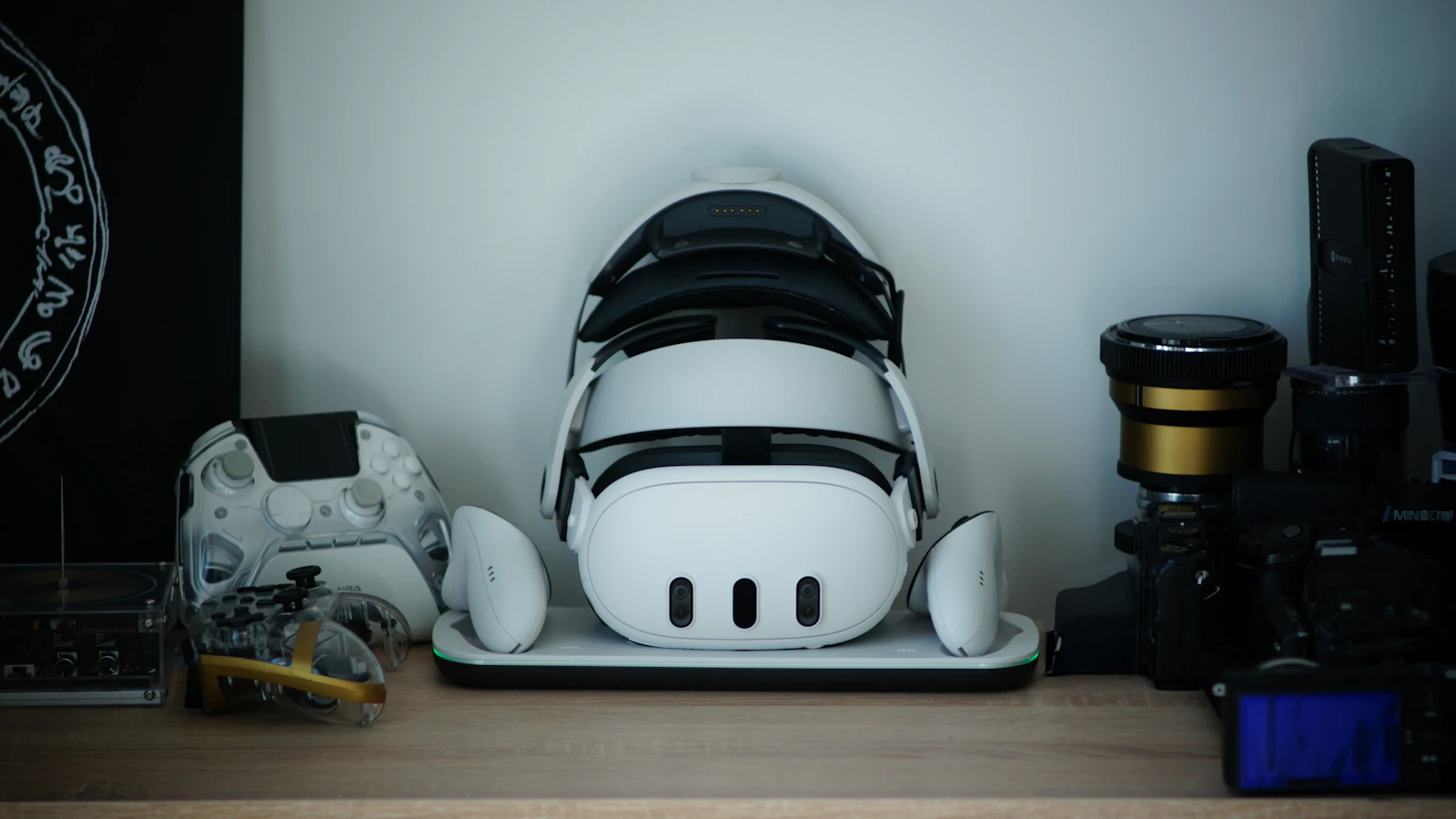
When a device has no hardware support for a codec, playback may fall back to software decoding, and a high-resolution stream can drop frames or empty the battery sooner. Heat management, screen resolution and app or browser support also play a part. Virtual reality asks more again: the image is magnified just in front of your eyes, and some formats send a separate view to each eye.
At the last stop, the service shapes what you see
The price of a service tells you little about how its video looks. Some free platforms stream clean, well-encoded files, and some subscriptions fall short. Choose a handful of titles you would actually watch, play them on your own equipment, and take note of the ads, the player settings and the list of supported devices.
Open upload platforms
Huge collections of user uploads give you variety. Since files arrive from countless sources, recording quality and encoding settings can change from one video to the next, and ad placement differs by site.
Curated subscription catalogs
A smaller, organised catalog can be quicker to browse. Whether it suits you comes down to the titles on offer, how they play on your hardware and what the plan's terms say.
Before you look at the linked membership
The links on this page go to a third-party provider of a paid membership. Before signing up, browse its catalog, see which devices and browsers it lists as supported, and check whether it states the formats or resolutions it streams in. Then compare that information with the screens you use day to day.
Price, billing frequency, renewal and cancellation steps, and data handling are all set by the provider and may change over time. Read them on the provider's own site and give its current terms priority over any summary, this article included.